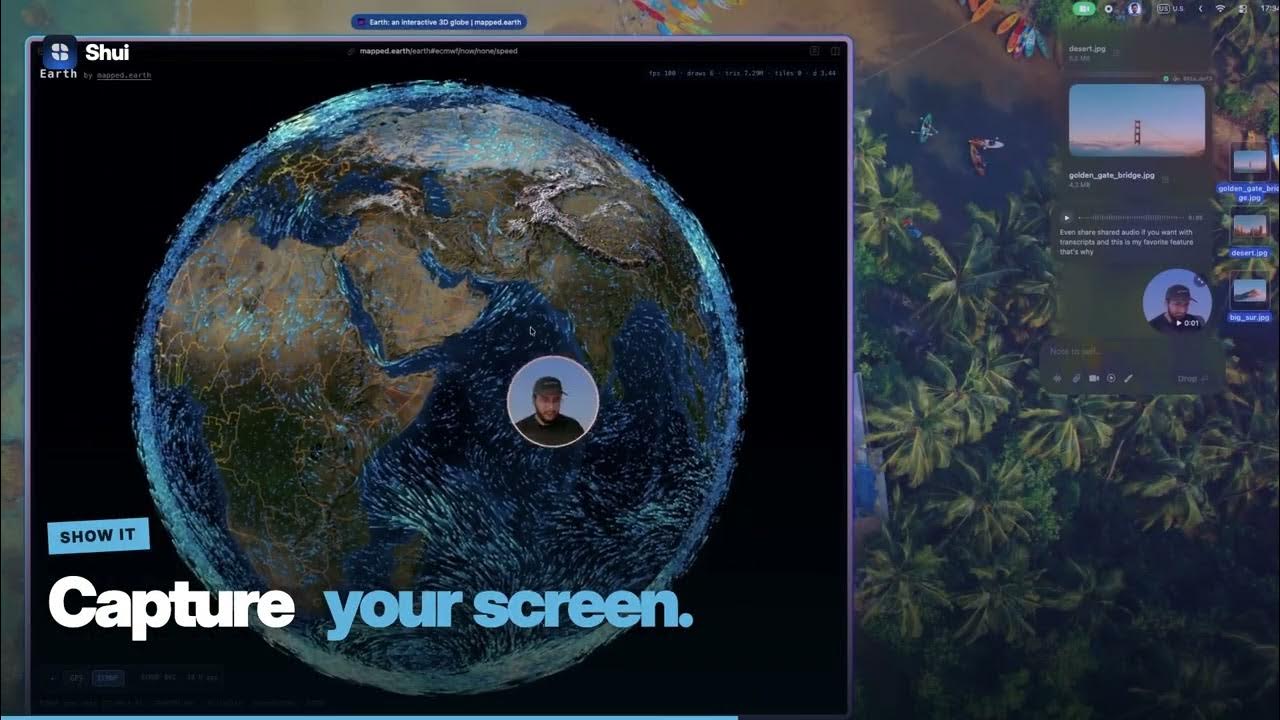
The latest, handed over.
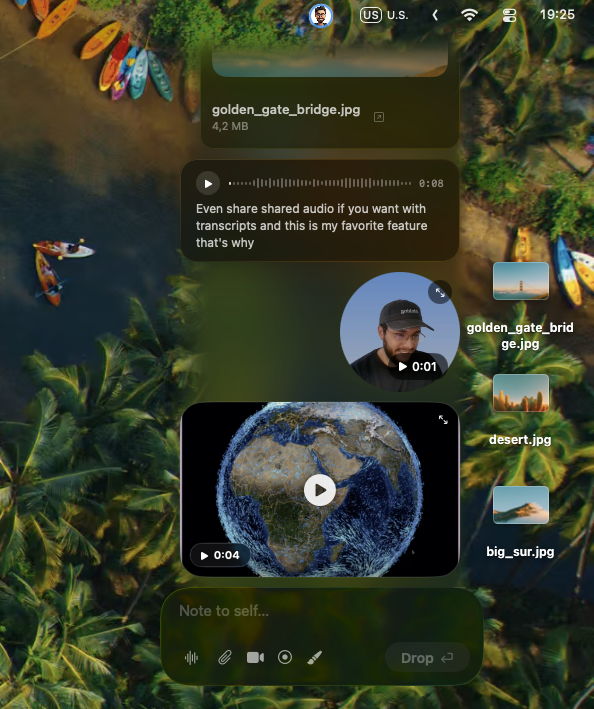
Send a file or a quick note without opening a whole workspace.
Private messaging for Mac that lives alongside your work.
A file, a thought, a moment. Just a drop away.
1.0.0-rc.1 · Apple Silicon · macOS 26+
YouTube loads only when you press play.
Your channels, people and agents in one place.
Choose the layout that feels like you.
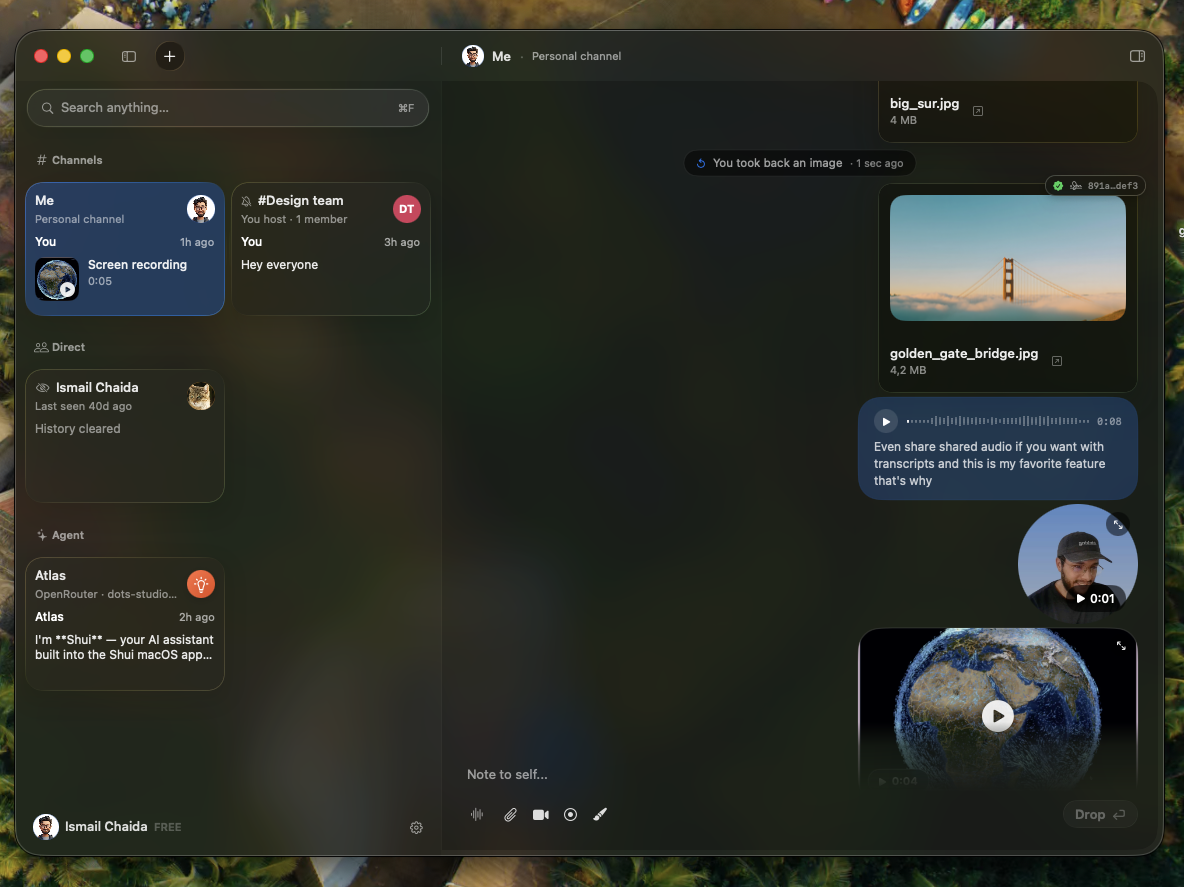
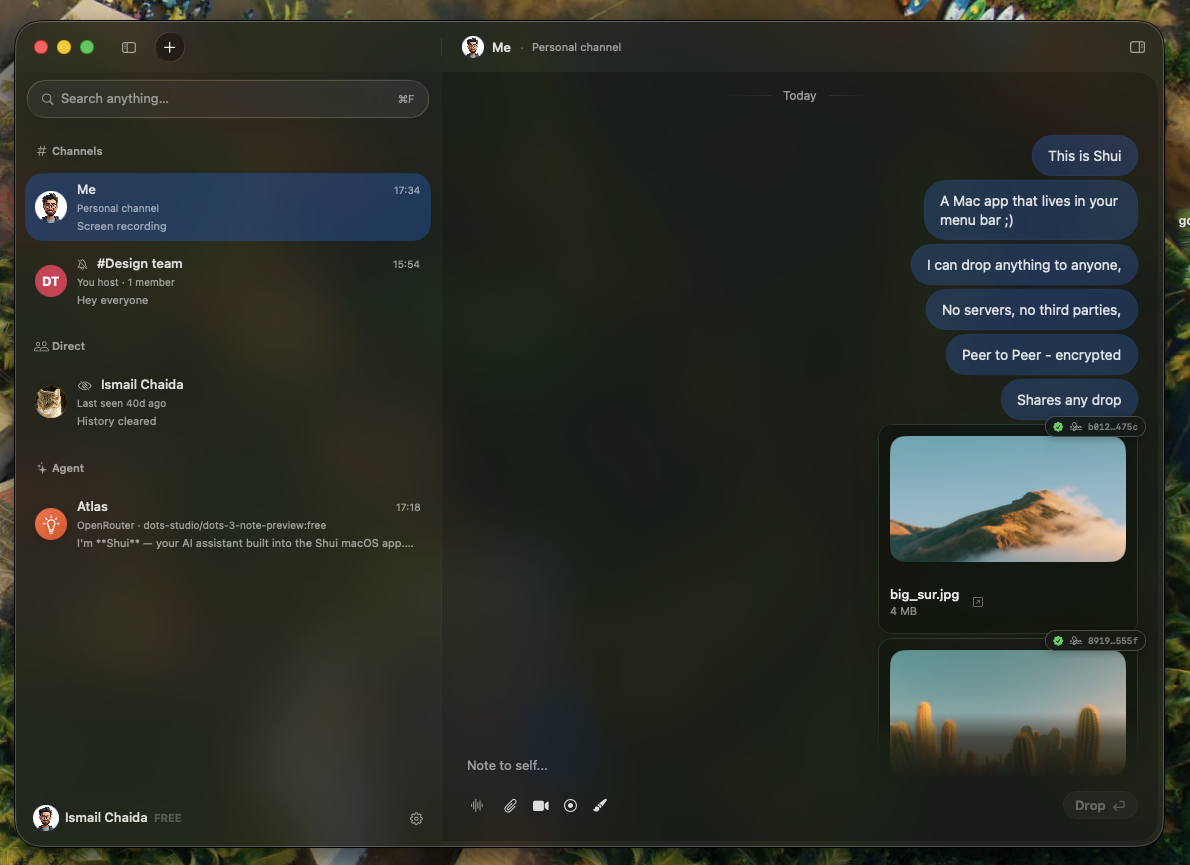
Real app captures. Conversations and shared media shown are from a personal channel.
Shui connects your Macs.
Your history stays with you.
Messages and files travel over end-to-end encrypted connections. Direct when possible, encrypted relays when needed.
History and received files live on participating devices. No Shui cloud inbox, and no cloud storage quota.
No email, phone number or iCloud sign-in for messaging. Your identity is created on your Mac, with keys in your Keychain.
Encryption protects message contents. Peer availability, device security and network metadata still matter.
Privacy, in plain wordsEvery person needs Shui on their Mac.
After that, it starts with an invitation.
Your messaging identity is created locally on your Mac.
Create a channel and share its invite link with someone.
A note, a file, a voice message. Let the conversation flow.
Start with one hosted channel. Make room for more with Pro.
Every plan includes notes, files, voice and video.
A place for your first circle.
More circles, as you need them.
Make yourself at home. Pay once.
Release candidate available for testing. Try the free build before purchasing Pro. Read release notes.
Pro checkout and licensing are handled by Polar. Yearly allows new hosted channels while subscribed.
Yes. Each participant needs Shui on a Mac running macOS 26 or later. Messaging does not require an email address, phone number or iCloud account.
Yes. Shui connects peers over the internet. It uses a direct encrypted connection when possible, with encrypted relay traffic when a direct path cannot be established.
Delivery depends on peers becoming reachable. Your history stays on your Mac, but you should not expect a cloud inbox to deliver messages while every peer is offline.
On participating devices. There is no Shui cloud inbox or cloud storage quota. Available disk space, network conditions and peer availability still matter. Back up your Mac to protect your local history.
AI agents are optional and user-created. When you configure a remote AI provider, prompts go to that provider under its privacy policy. Apple’s on-device models and a local provider offer local options. Peer messaging and AI requests have different data paths.
The free tier lets you create one hosted channel and join unlimited channels. Notes, files, voice and video are included. Pro unlocks additional hosted channels: $19 per year or $49 once for Lifetime, on up to 3 Macs. A release candidate is available for testing. Try the free build before purchasing Pro.

I made Shui because sharing something with someone
should feel as simple as handing it to them.